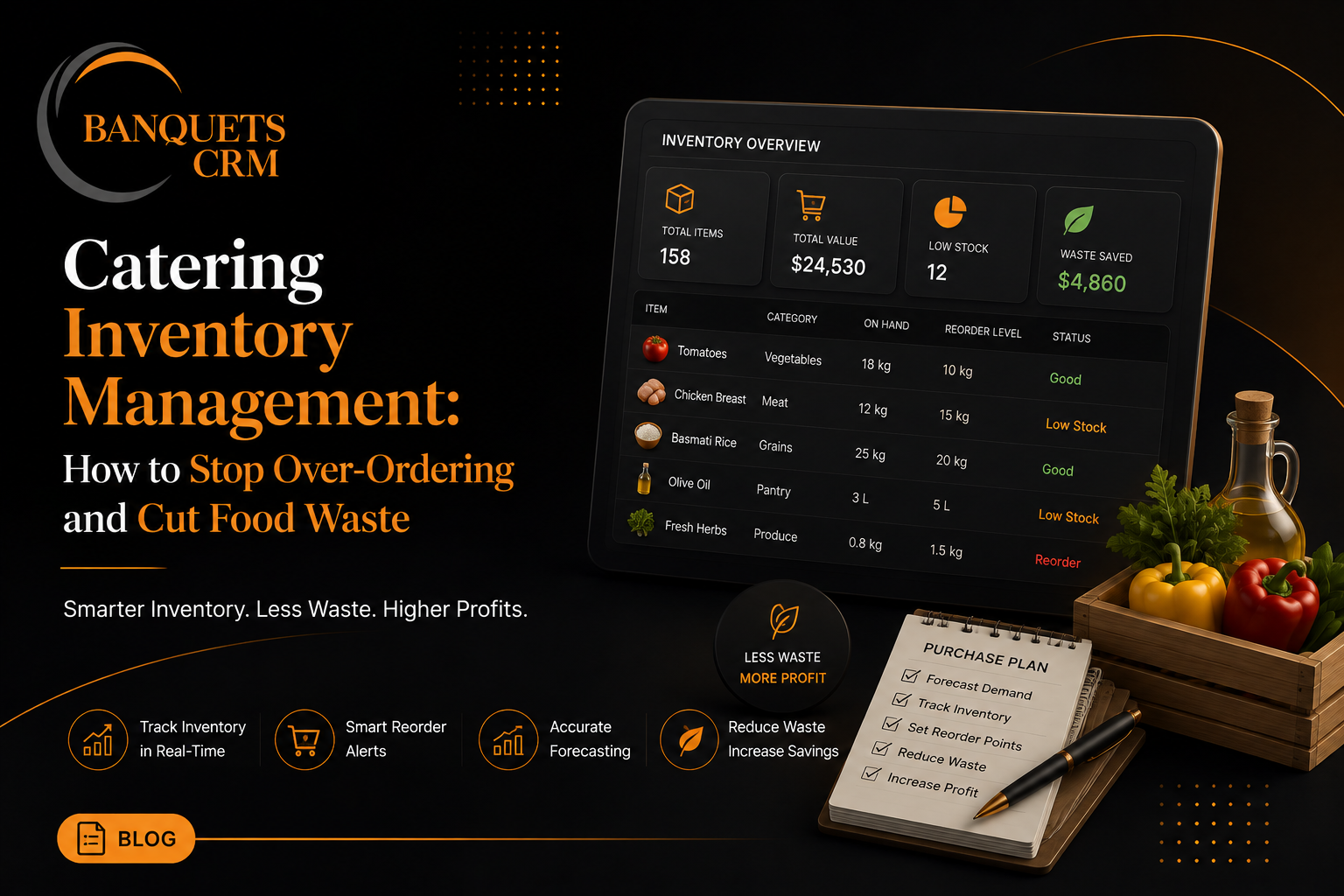
Catering Inventory Management: How to Stop Over-Ordering and Cut Food Waste
Over-ordering feels like the safe choice. Nobody wants to run short on a client's wedding day, so it's natural to buy a buffer "just in case." The problem is that buffer, multiplied across every event, every ingredient, every month, adds up to one of the largest and most invisible costs in a catering business.
Why Over-Ordering Becomes the Default
Without a system tracking exactly what was used against what was purchased for past events, there's no feedback loop. You buy based on a guess, the event happens, and whatever's left over either gets used somewhere else, thrown out, or quietly forgotten in a walk-in. Nobody ever goes back and compares "what we bought" to "what we actually needed" — so the same over-buffered guess repeats for the next event.
Three Places Waste Hides
1. Guest count buffers stacked on top of each other
A chef buffers for safety, a purchasing manager buffers again "to be sure," and suddenly a 100-guest event is provisioned for 115. Each buffer feels reasonable in isolation; stacked together, they're a consistent 10-15% overbuy on every single event.
2. Minimum order sizes from suppliers
Some ingredients only come in case sizes bigger than what a single event needs. Without visibility into what's left in stock from the last order, it's easy to reorder a full case when a partial case would have covered it.
3. Ingredients shared across multiple menu items
When the same ingredient — a specific cheese, a sauce base — appears in three different dishes across a menu, it's easy to double-count the requirement if nobody is tracking total usage across the full order, not just per-dish.
What Actually Reduces Waste
- Track usage against actual guest counts after each event, not just before — so your buffer assumptions get corrected by real data over time.
- Centralize your recipe-to-ingredient mapping so a single ingredient's total requirement across a whole event is calculated once, not estimated dish by dish.
- Record stock-in and stock-out for every event so you always know what's actually on the shelf before you place the next order.
- Review your buffer percentage quarterly against real leftover data, and adjust it down as your confidence in the numbers grows.
Where This Fits Into Your Broader Operation
Inventory control works best when it's connected to the same system that holds your menus, your event guest counts, and your purchasing — not tracked separately in a notebook that never gets reconciled against what was actually served. That connection is what turns "we think we're over-ordering" into "here's exactly where the 12% waste is coming from, and here's the fix."
For catering businesses already using BanquetsCRM for menu management, our Inventory module extends that same data to stock-in, stock-out, supplier tracking, and recipe-based ingredient forecasting — so purchasing decisions are based on what an event actually needs, not a guess layered on a guess. Take a look at everything included on the features overview.
Start free with the core CRM today, and add Inventory when you're ready to tighten the numbers.